
- Home >
- Choose Your Printer>
- Printers by user group>
- Office / Team printers>
- bizhub C268i
bizhub C268i
Do you need advice?

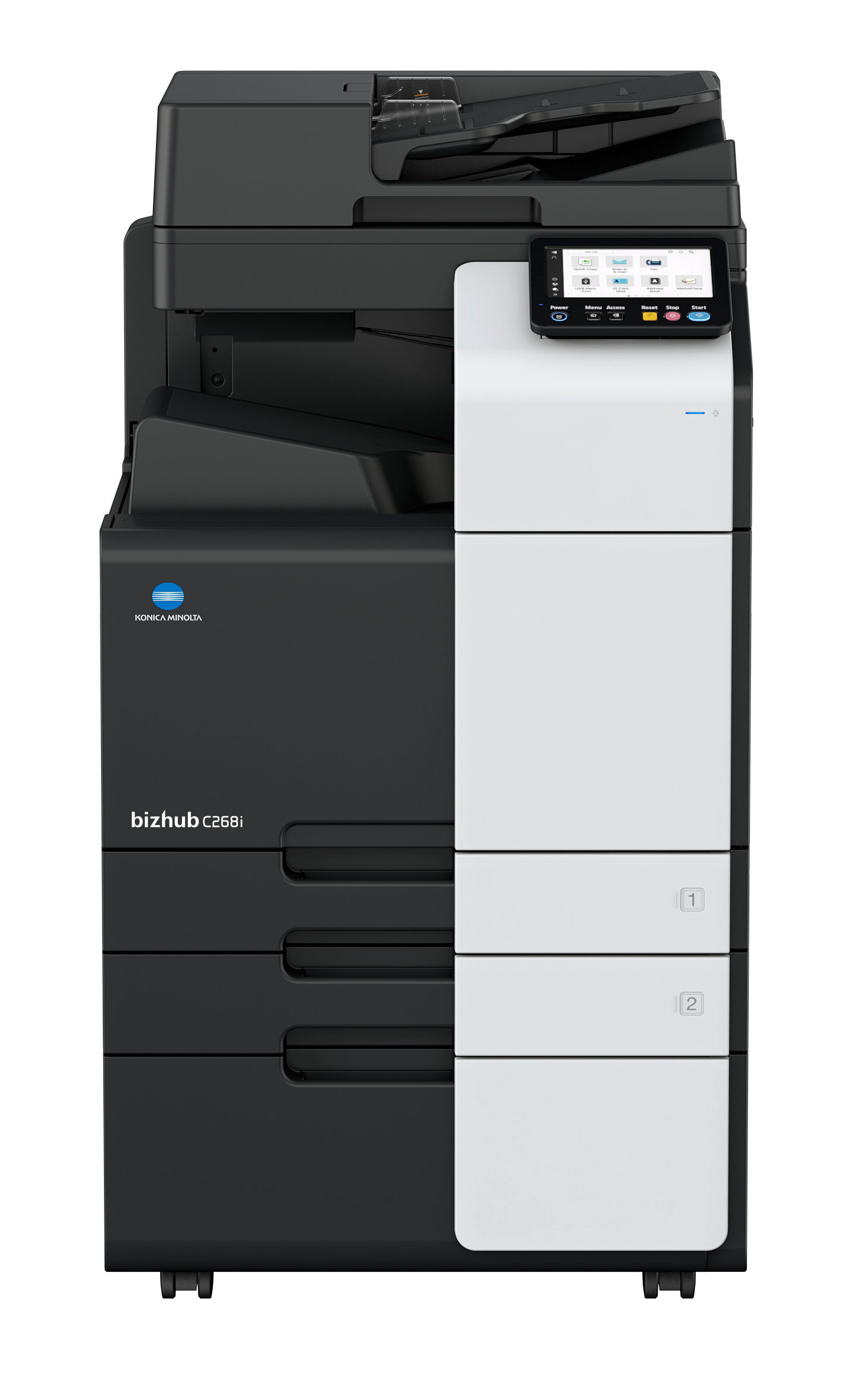
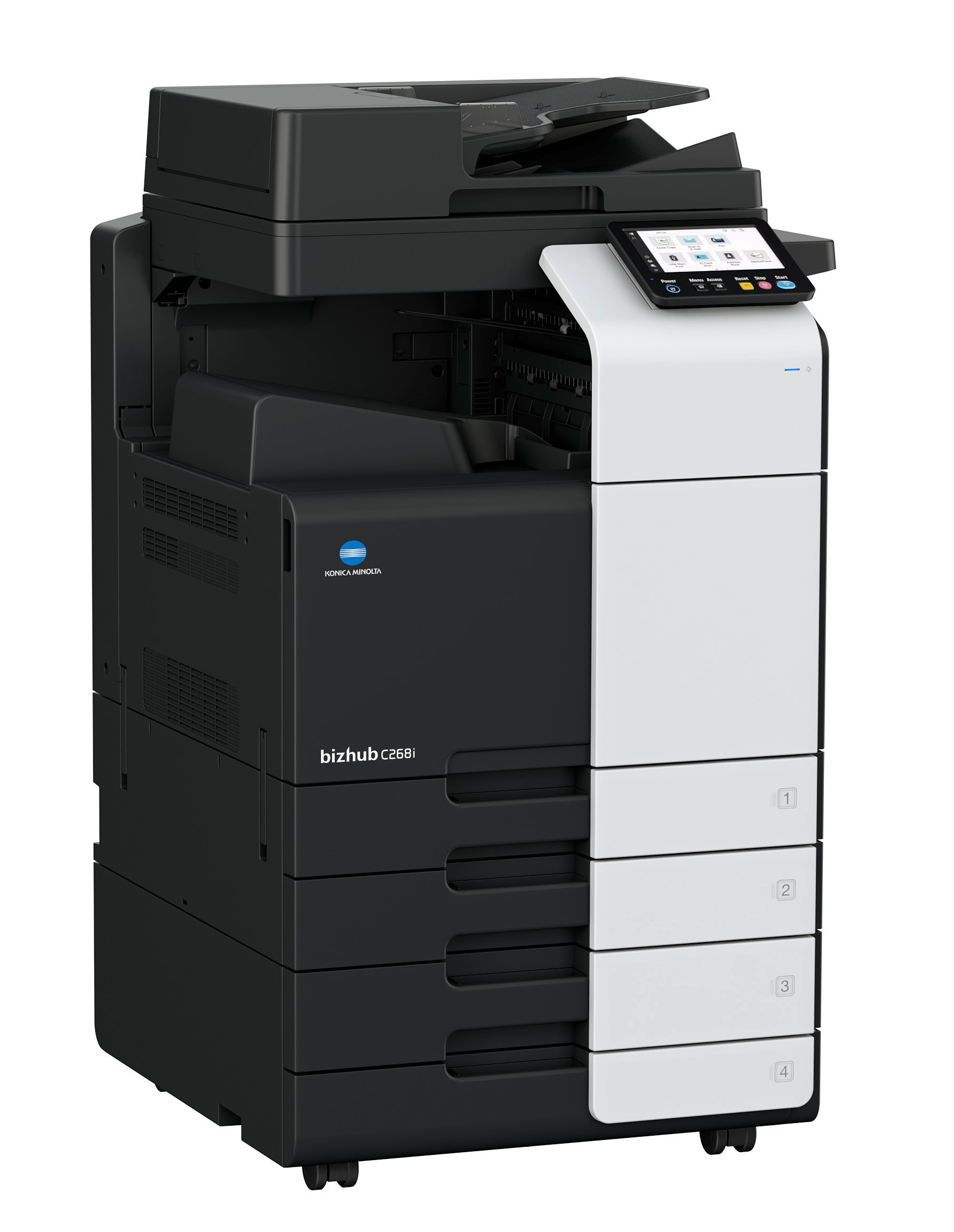
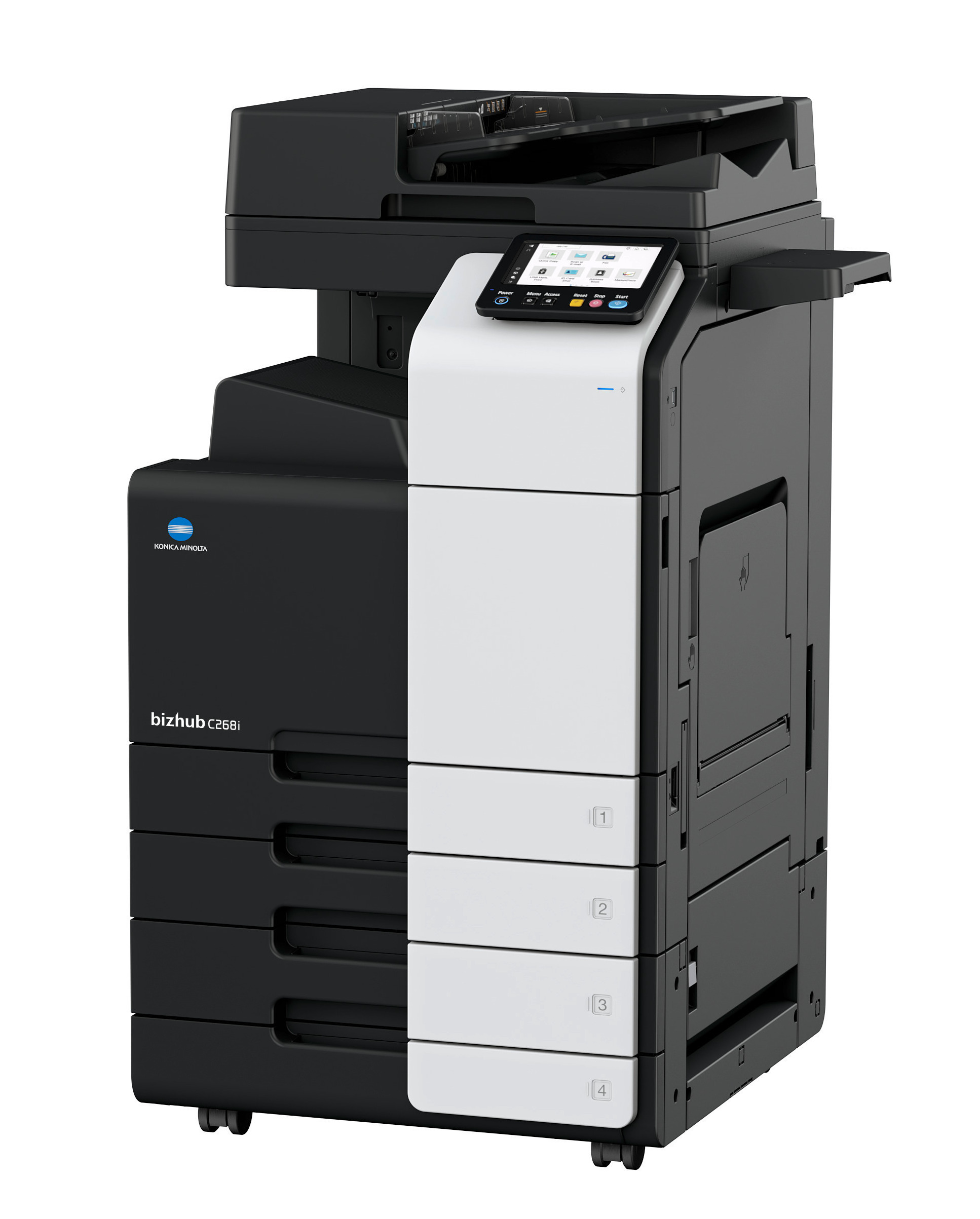
bizhub C268i A3 Colour Multifunction Printer
Designed for modern workplaces, the bizhub C268i is a versatile A3 multifunction printer that combines professional-quality printing, copying and scanning within a single device. Suitable for businesses of all sizes, it helps streamline everyday document workflows while supporting secure, productive and efficient office printing.
Whether you're producing reports, presentations, customer communications or larger-format documents, the bizhub C268i delivers the flexibility required for busy office environments. With support for both A4 and A3 media, it enables organisations to manage a wide range of business printing tasks from one compact multifunction system.
Built for Productive Office Printing
The bizhub C268i is designed to support the everyday demands of modern workplaces, helping teams manage document workflows efficiently while maintaining professional print quality.
Key features include:
• 26ppm in colour and black & white
• Print, copy and scan functionality
• A6S-A3 media, banner printing up to 1.2 m
• Reverse Feeder with scan speeds of up to 70 images per minute
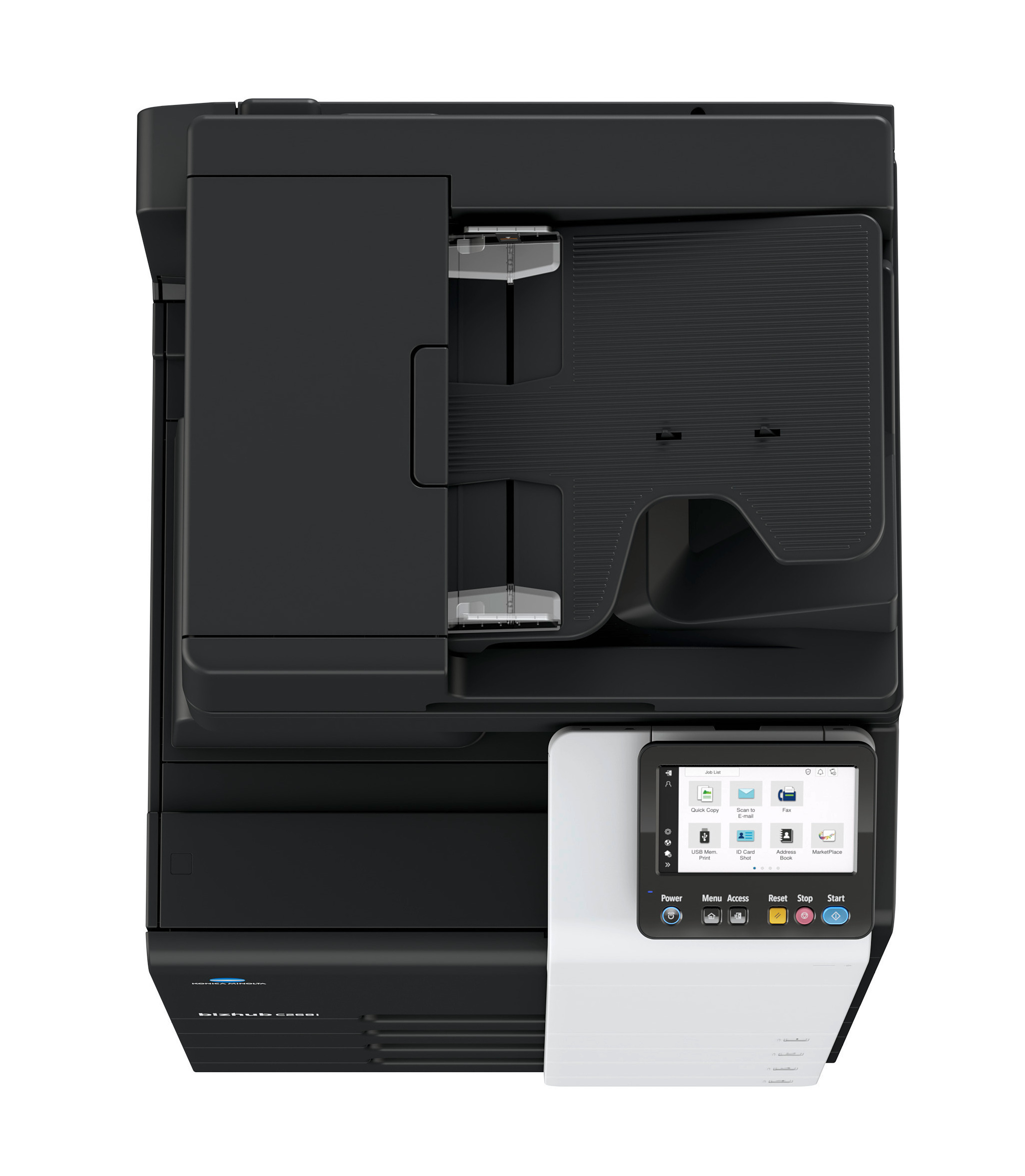
• Intuitive 7inch touchscreen
• Secure document management features
• Mobile and flexible printing options
By bringing multiple document functions together in a single device, the bizhub C268i helps businesses simplify office printing while improving productivity.
Flexible Document Management
Today's organisations require more than just reliable printing. The bizhub C268i supports digital document workflows by combining high-quality printing with advanced scanning and copying capabilities.
Whether documents need to be printed, digitised or shared across teams, this office photocopier provides the flexibility required to support a wide range of business processes.
Suitable for shared office environments, departmental use and growing organisations, the bizhub C268i helps businesses keep information moving efficiently throughout the working day.
Why Choose the bizhub C268i?
The bizhub C268i is an excellent choice for organisations looking for an A3 multifunction printer that combines professional document quality with everyday usability.
Ideal for:
• Small and medium-sized businesses
• Shared office environments
• Departmental printing
• Hybrid workplaces
• Customer-facing document production
• Everyday business document management
Whether you're replacing an existing office printer or expanding your print fleet, the bizhub C268i provides the versatility needed to support changing business requirements.

Why lease with OneRate?
Enjoy a complete, hassle-free printing solution designed to keep your business running without interruptions.With OneRate, everything is included in one simple monthly payment:
✔ Printer and toner supply
✔ Generous monthly black & white and colour page allowance*
✔ Installation and setup
✔ Smart remote support
✔ Maintenance, servicing and parts
✔ Automatic toner delivery
✔ Flexible packages to suit your usage
No hidden costs. No unexpected charges. No admin work.
Just reliable printing, fully taken care of.
*If you exceed your monthly page allowance, additional pages are charged at a clear, pre-agreed rate - cost per additional page: 0.0389 GBP for colour pages and 0.0039 for black and white.
What is in the box?
- Main unit
- Starter Toner set including
- Black Toner 25.000 A4 pages*
- Cyan Toner 25.000 A4 pages*
- Magenta Toner 25.000 A4 pages*
- Yellow Toner 25.000 A4 pages*
- Patch Cable 5m
- Power Cord (220V)
- General Safety Information, english
*The stated life expectancy of each consumable is based on specific operating conditions such as page coverage for a particular page size (5% coverage of A4). The actual life of each consumable will vary depending on use and other printing variables including page coverage, page size, media type, continuous or intermittent printing, ambient temperature and humidity.
| Delivery | |
| Free printer delivery to final location | Included |
| Installation service | |
| Printer remote installation and activation | Included |
| Installation of driver on one PC/server, notebook and other device | Included |
| User Training | Included |
| Remote Monitoring | |
| Toner monitoring | Included |
| Automatic reporting of printed pages | Included |
| Supplies | |
| Toner delivered with device for first usage | Included |
| Automatic toner ordering and delivery (never run out of toner) | Included |
| Free paper, staples, glue, etc. | Excluded |
| Full Service | |
| Free ad-hoc repairs, and preventative maintenance (incl. call-out charges, labour, parts, etc.) | Included |
| Free drums and other spare parts (except supplies) | Included |
| Help & Support | |
| 24/7 smart remote support | Included |
| Customer Self-Service Portal | Included |
| Average response time in hours | Next business day |
| Secure & Sustainable | |
| World on Loan Programme (Recycling & Return Programme for consumables) | Included |
| Invoicing and payment | |
| Regular invoicing OneRate period | Included |
| Additional invoicing when you reached your prepaid limit | Included |

Need special configuration?
Technical parameters
What do our customers say about our OneRate packages?
We are happy to advise you!
Chat with us instantly
Mon-Fri 9am - 5pm
@w600.webp)
Not sure which print volume to select for your OneRate?
These might be valuable considerations for you.If you have an existing contract:
- Have a look at your current offer/contract to see which volume is included there (per month)
- Have a look at your latest invoice: on it might be written how much you print per month or for what volume you’re charged. Take into account any invoices for overage charges to calculate your monthly volume needs
- If there are no volumes in these documents, look at the amount you pay each month and add any amounts for overages and compare this with our packages. Take into account whether service is included or no
- Check your current printer if it shows you the number of printed pages
If you do not have an existing contract:
- Check your current printer if it shows you the number of printed pages
- We recommend to calculate how much pages you print per week and estimate from that prints per month: think of how often you have to refill paper in your printer (average paper pack has 500 sheets)
Still unsure? Please contact us. We are happy to support you.
OneRate Small
- Included: 9600 prepaid colour pages per month
- Cost per additional page: 0.0389 GBP (calculated and invoiced quarterly)
- Included: 12000 prepaid black pages per month
- Cost per additional page: 0.0039 GBP (calculated and invoiced quarterly)
OneRate Medium
- Included: 15000 prepaid colour pages per month
- Cost per additional page: 0.0389 GBP (calculated and invoiced quarterly)
- Included: 18000 prepaid black pages per month
- Cost per additional page: 0.0039 GBP (calculated and invoiced quarterly)
OneRate Max
- Included: 18000 prepaid colour pages per month
- Cost per additional page: 0.0389 GBP (calculated and invoiced quarterly)
- Included: 24000 prepaid black pages per month
- Cost per additional page: 0.0039 GBP (calculated and invoiced quarterly)
Delivery
When leasing a Konica Minolta printing device with OneRate, we will ensure professional delivery of the purchased equipment directly to the installation site. The service includes pre-configuration, moving the machine to its destination, unpacking and assembly.
Included services
After purchasing the device, Konica Minolta will agree with you on a suitable delivery date. The contractual carrier will deliver the device to you on the agreed date.
The service includes:
- Transportation to the place of installation
- Moving device within the building - if the building has a freight lift
- Professional unpacking and assembly of the device
- bringing the machine to the floors via the stairs - if there is no goods lift available
Please note: Our delivery service covers mainland UK. Deliveries to the Scottish islands are provided through our authorised Konica Minolta partners.
Remote Installation Service
At Konica Minolta, we make getting started with your new device simple, secure, and hassle-free.
With our Remote Installation Service, our delivery team brings your machine, powers it on, and connects it to your network. From there, our remote technicians complete the full setup - so your device is ready to use without the need for an on-site engineer.
Why Choose Remote Installation?
• Fast - Setup can take as little as 10 minutes.
• Secure - Strong encryption ensures your data and access remain protected.
• Convenient - No need to arrange on-site visits or escorts.
• Sustainable - Helps reduce unnecessary travel in line with our ESG goals.
How to Prepare?
Before your delivery, we’ll contact you to confirm key technical details, such as:
• Device configuration settings (e.g. scan details, authentication)
• Network requirements (DHCP or Static IP)
• Operating system compatibility
• Auto-ordering preferences
• Any optional services or IT support needs
We recommend nominating someone from your IT team to provide this information. It only takes a few minutes, but without it we won’t be able to proceed with installation.
You’ll also need to:
• Provide space for our delivery crew to set up the device
• Ensure a working network point and cable are available
• Let your IT team know about the installation (e.g. drivers, open ports)
• Back up settings from your old device if needed (our team can support you remotely)
On the Day:
1. Our delivery specialists will unbox your device and connect it to your network.
2. Our remote technicians will then complete the setup.
3. You’ll receive delivery updates, an installation reminder, and may be contacted for assistance if needed.
Once finished, your Konica Minolta device will be fully set up and ready to use. Download our brochure.